02 / Software & Digitalisation
Turn separate tools into a connected workflow.
Established processes rarely fit entirely into a standard tool. I start by understanding how work and data actually move, then connect software, integrations and interfaces around that process.

Typical Starting Points
Data is maintained more than once
The same information lives in spreadsheets, CRM and other applications. Changes have to be reconciled across several places.
Standard software leaves gaps
A tool covers the core task, but important steps still rely on email or workarounds.
A system is difficult to use
Features exist, but the interface does not clearly reflect the tasks people need to complete.
Handoffs slow things down
Sales, operational teams and accounting lack agreed data formats or clear responsibilities.
Understand the process before adding software
Digitally reproducing a manual workflow does not automatically improve it. Tasks, data and responsibilities come first. This makes it possible to decide which existing tools to adapt and where custom development can make a useful contribution.
Software & Digitalisation
The Relevant Services
Custom Systems
Software Development
Bring business logic and data together in a custom system.
Explore This Service: Software Development →Web App Development
Make workflows accessible through a browser-based application.
Explore This Service: Web App Development →Programming
Extend existing systems with focused features, automation or integrations.
Explore This Service: Programming →
Interfaces & Experience
Frontend Development
Shape the interface around tasks and users rather than simply displaying data.
Explore This Service: Frontend Development →
Business Processes & Integrations
CRM Development
Organise customer information and sales processes in a shared structure.
Explore This Service: CRM Development →DATEV Integrations
Align data transfers and mappings with the accounting workflow.
Explore This Service: DATEV Integrations →Process Optimisation & Digitalisation
Understand and simplify workflows before automating them.
Explore This Service: Process Optimisation & Digitalisation →
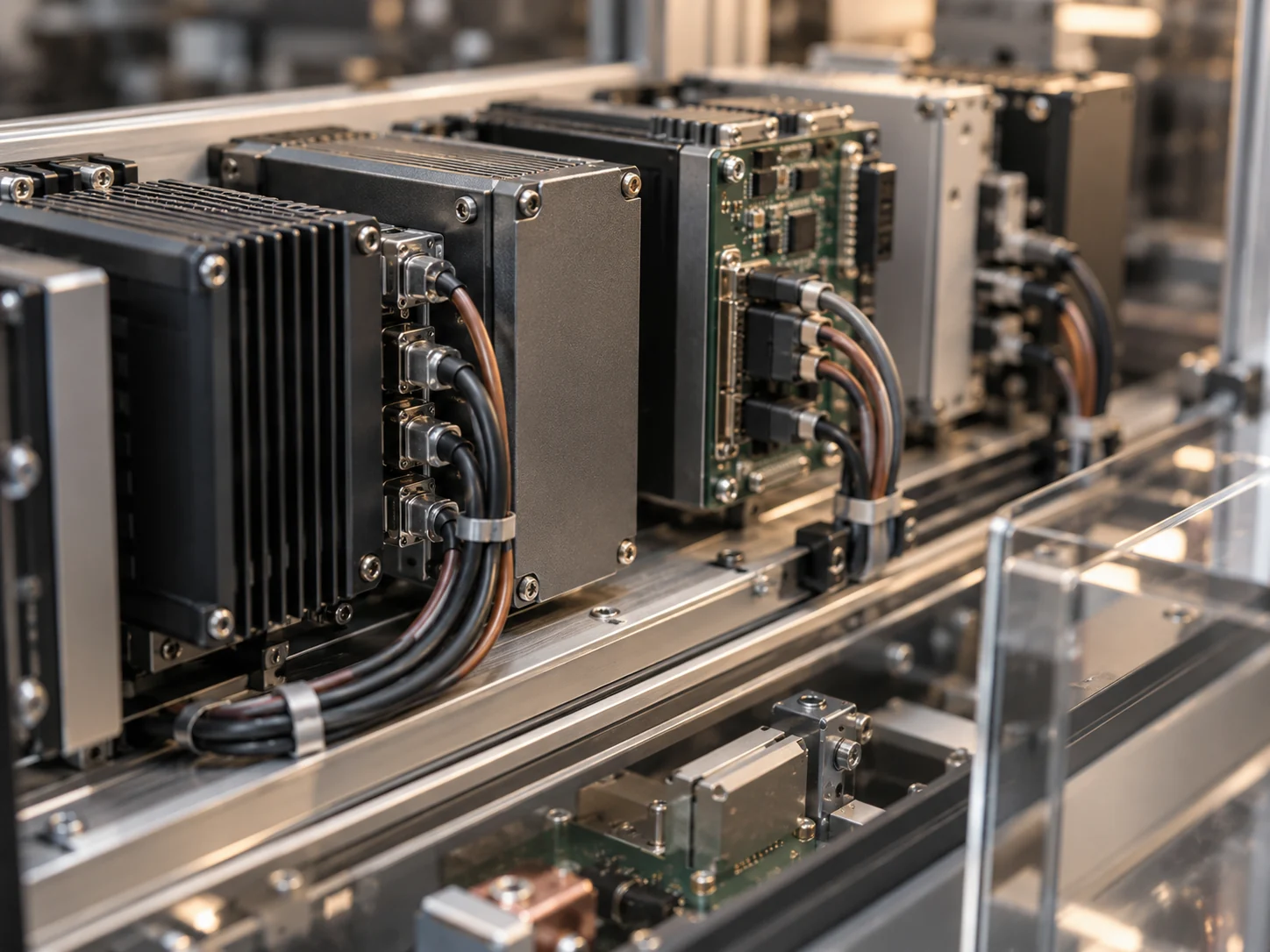
From workflow to a usable application
Each layer affects the next. A new interface cannot make an unclear data set reliable on its own. Business processes, data flows and technical implementation therefore need to be considered together.
- ProcessClarify tasks and handoffs
- DataDefine structures and responsibilities
- LogicRepresent rules in software
- IntegrationsConnect systems and data transfers
- InterfaceMake tasks understandable and usable
- OperationsPlan for changes and maintenance
In Practice
Salesforce Sales Cloud in the portfolio
The existing portfolio entry documents configuration, data migration, training and integration into business processes. It shows how introducing a CRM involves more than making the software available.
View the Portfolio Project →A Project or Ongoing Development
A Clearly Defined Project
A defined application, integration or workflow improvement is delivered within a clear scope.
Continuous Improvement
As workflows change, features, integrations and interfaces can evolve around how the system is actually used.

Your Personal Contact
I am Scott Nowak. Our first conversation clarifies your needs and existing environment. Business requirements and technical implementation remain part of the same discussion.
More About Scott →Which workflow takes too many detours?
Outline the process, the systems involved and where work gets stuck. A complete technical specification is not required for the initial conversation.