SOFTWARE & DIGITALISATION · PROCESS OPTIMISATION & DIGITALISATION
Process Optimisation & Digitalisation in Dresden.
Document, question and automate business processes. We make existing processes measurable and automate where there is a clear business case.
How the Elements Connect
- Current Process
- Analysis
- Pilot
- Rollout
- Review
Typical Starting Points
- Important processes live in people's heads rather than documents.
- Excel is the de facto system — error-prone and difficult to scale.
- The tool landscape has grown, and nobody knows what each tool is for.
- Digitalisation has become an end in itself rather than a means to an end.
The Focus of Process Optimisation & Digitalisation
The starting point is the workflow, not purchasing a tool. Process mapping and bottleneck analysis identify where simplification or automation can help. Workflows, low-code solutions or data integrations are selected afterwards.
The Service in Detail
Current State & Priorities
- Process Mapping
- Interviews, shadowing and lightweight BPMN. We make actual processes visible.
- Bottleneck Analysis
- Where does a process lose time or quality, and how much can be improved?
Workflows & Tools
- Workflow Automation
- Power Automate, Zapier, Make and n8n. We choose the right tool rather than the trendiest.
- Low-Code Apps
- Power Apps, Notion, Airtable and Retool. Fast solutions for internal processes.
Data & Responsibilities
- Data Integration
- Between CRM, ERP, accounting, websites and marketing — without permanent isolated solutions.
- Adoption
- Training, clear responsibilities and KPI tracking. Without measurement, there is no optimisation.
The Approach
Mapping
Document current processes, interview stakeholders and map data flows.
Analysis
Find bottlenecks, assess effort versus value and identify quick wins.
Pilot
Automate or simplify 1–2 processes and measure the effect.
Rollout
Scale successful pilots, document them and hand over to internal owners.
Review
Quarterly effectiveness reviews and continuous iteration.
The Service Within Its Competence Area
The competence hub explains the wider connections. Process Optimisation & Digitalisation focuses here on the specific task.
Software & Digitalisation →Technical and Practical Foundations
- Power Automate
- Power Apps
- Zapier
- Make
- n8n
- Airtable
- Notion
- DATEV Integrations
Project, Handover and Ongoing Work
A Defined Project
In a defined project, we review workflows, bottlenecks and the value of a specific automation and agree the scope around the existing environment.
After Implementation
For the continuing work on Process Optimisation & Digitalisation, the existing process includes: Quarterly effectiveness reviews and continuous iteration.
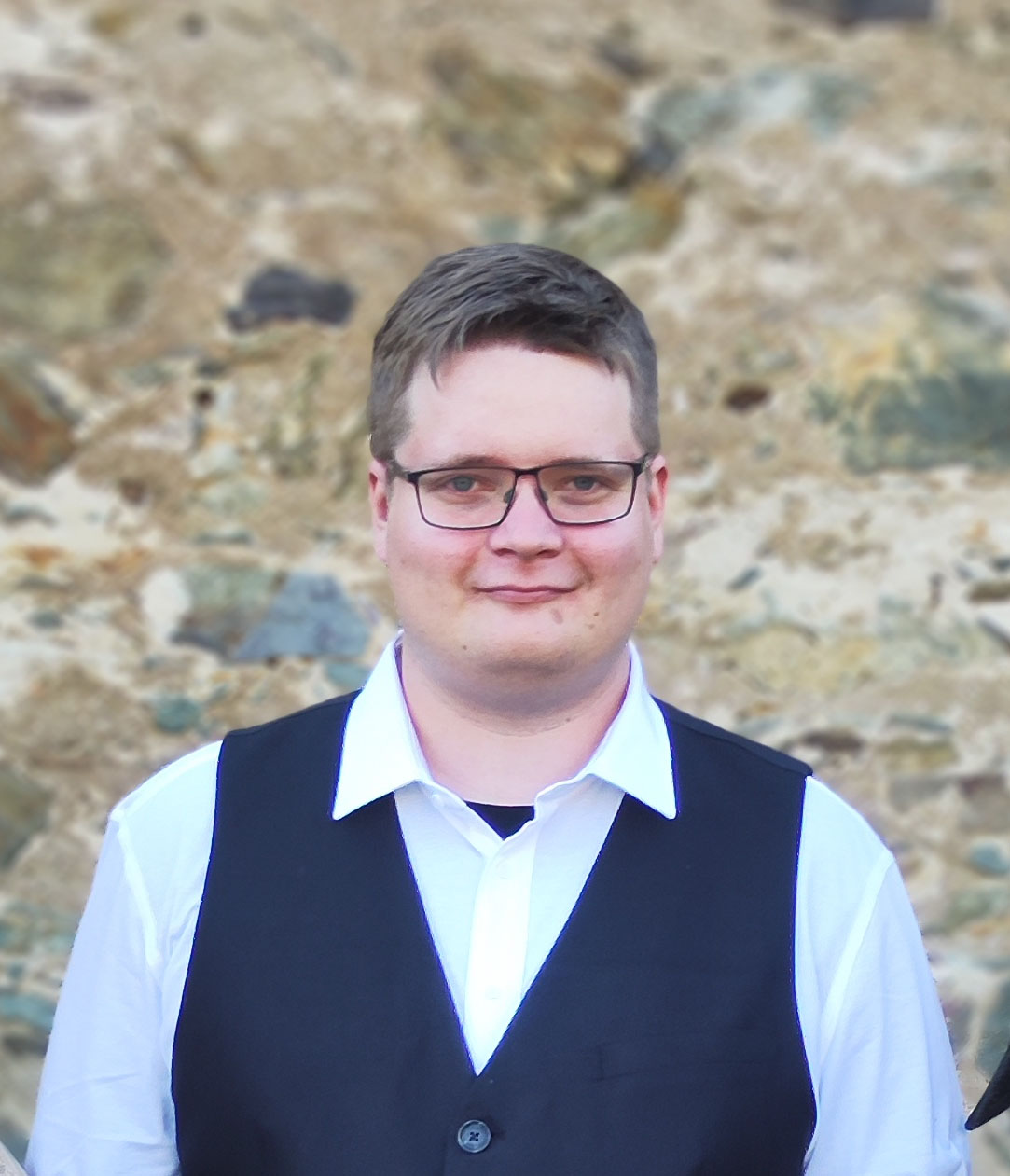
Scott Nowak. Direct Collaboration on Process Optimisation & Digitalisation.
I am Scott Nowak, your direct contact for Process Optimisation & Digitalisation. We discuss workflows, bottlenecks and the value of a specific automation and connect the requirements with their implementation.
More About Scott →Questions About Process Optimisation & Digitalisation
Is automation worthwhile for small teams?
Yes. As a rule of thumb, if a process takes at least 2 hours each week and will continue for more than 3 months, automation usually makes sense. We calculate the value rather than automating for its own sake.
Which tools do you use?
We are tool-agnostic. We choose based on the process and environment: Power Automate where Microsoft 365 is standard; Zapier or Make for quick SaaS setups; and self-hosted n8n for privacy-sensitive workflows.
How do we start without taking on too much?
With a 1–2-week sprint focused on a clearly defined process. Together, we set a goal, measure the current state, build the first iteration and measure again. We repeat the approach for other processes.
What if our employees are sceptical about automation?
That is normal. We involve them early, explain the benefit from their perspective — less routine work — and ensure transparency. No rollout behind their backs.
Do you have experience with DATEV integrations?
Yes, typically CSV integrations and document transfer. See our separate DATEV integrations page for details and a typical project process.
Which workflow needs fewer detours?
Describe workflows, bottlenecks and the value of a specific automation. The existing project brief lets you share your starting point and supporting materials.
Would you like to speak first? →Response time: < 48 h
Project start: typically 2–4 weeks
Within 48 hours on business days.